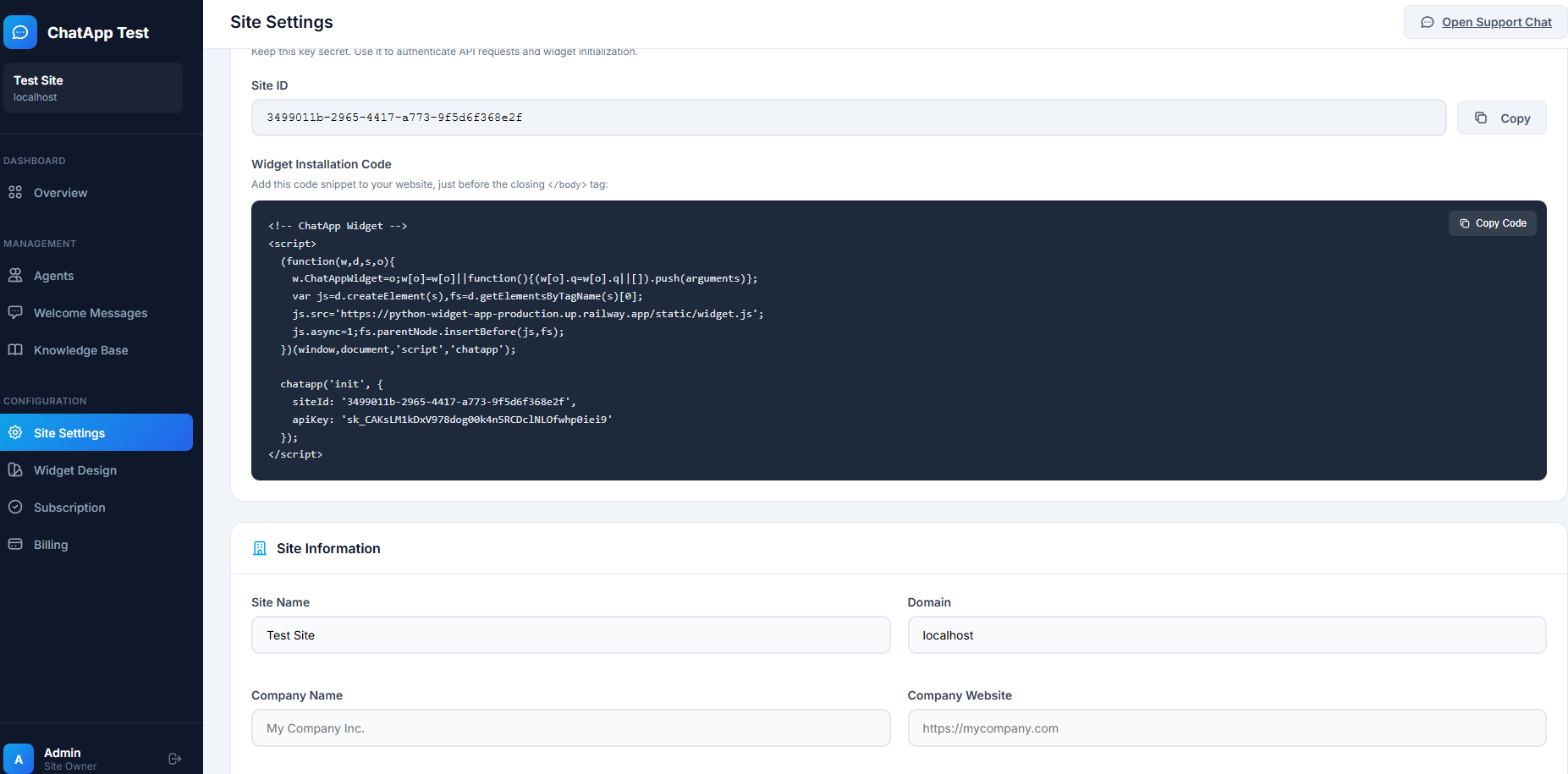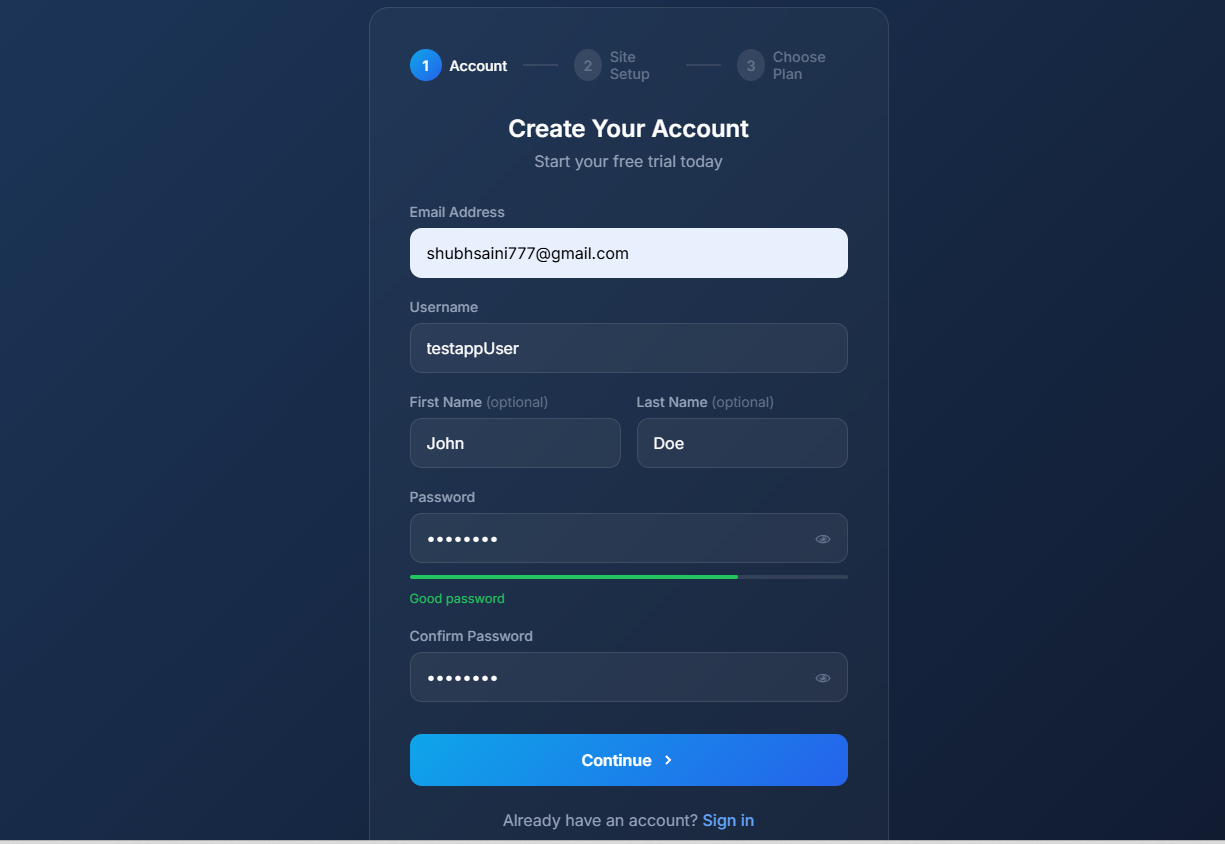
Installation Code Screenshot
-
1
Go to Site Admin Dashboard
After registration, you'll be redirected to your site admin panel
-
2
Find the Install Code
Look for the "Install Code" or "Widget Code" section in the settings
-
3
Copy the Code
Click the "Copy" button to copy the widget script to your clipboard
The installation code will look something like this:
<script>
(function(w, d, s, o, f, js, fjs) {
w['ChatWidget'] = o;
w[o] = w[o] || function() {
(w[o].q = w[o].q || []).push(arguments);
};
js = d.createElement(s); fjs = d.getElementsByTagName(s)[0];
js.id = o; js.src = f; js.async = 1;
fjs.parentNode.insertBefore(js, fjs);
}(window, document, 'script', 'chatapp', 'https://your-widget-url/widget.js'));
chatapp('init', {
siteId: 'your-site-id',
apiKey: 'your-api-key'
});
</script>
⚠️
Important
Make sure to use your actual Site ID and API Key from the dashboard. The widget won't work without valid credentials.